

Agents have no episodic memory, so the reasoning and decisions behind a feature, worth more than the git history itself, vanish the moment the session that built it ends. It's like a coworker who built half the system, then left for another job, leaving you to reverse-engineer what they were thinking.
This means that agents used in real projects aren't aware of the larger context and the best practices, and as a result they create slop. This is because agents lack institutional memory. Whatever memory is available, however rudimentary, is local to each developer. A lot of the problems with agents in real organizations are the result of that.
Polygraph gives your agent episodic memory. Every code change, every session is a recorded episode: shared agent transcripts, session descriptions, repos, branches, pull requests, and linked issues. It creates a rich institutional memory that provides every agent with the context it needs to be effective.
AGENTS.md and memory
Section titled “AGENTS.md and memory”The memory a coding agent has today is mostly semantic: facts about the codebase, distilled by hand.
| Mechanism | What it holds | Scope |
|---|---|---|
CLAUDE.md, AGENTS.md | conventions and standing instructions, maintained by hand | one repo, plus a personal global file |
| Built-in agent memory | facts and preferences the agent saves as you work | one developer, on one machine or account |
| A notes folder or an MCP notes server | whatever that developer decided to write down | one developer, for as long as they keep it current |
Distilled facts rot. Code doesn't. A note describing how this codebase handles timeouts is worth less than the change that actually handled one, and it fails badly once it goes stale. The agent doesn't get slightly worse, it goes the wrong way with full confidence.
Sessions record what happened rather than what someone summarized afterwards. Your agent references or resumes the work itself and reads the ground truth from the repos, branches, and pull requests it left behind.
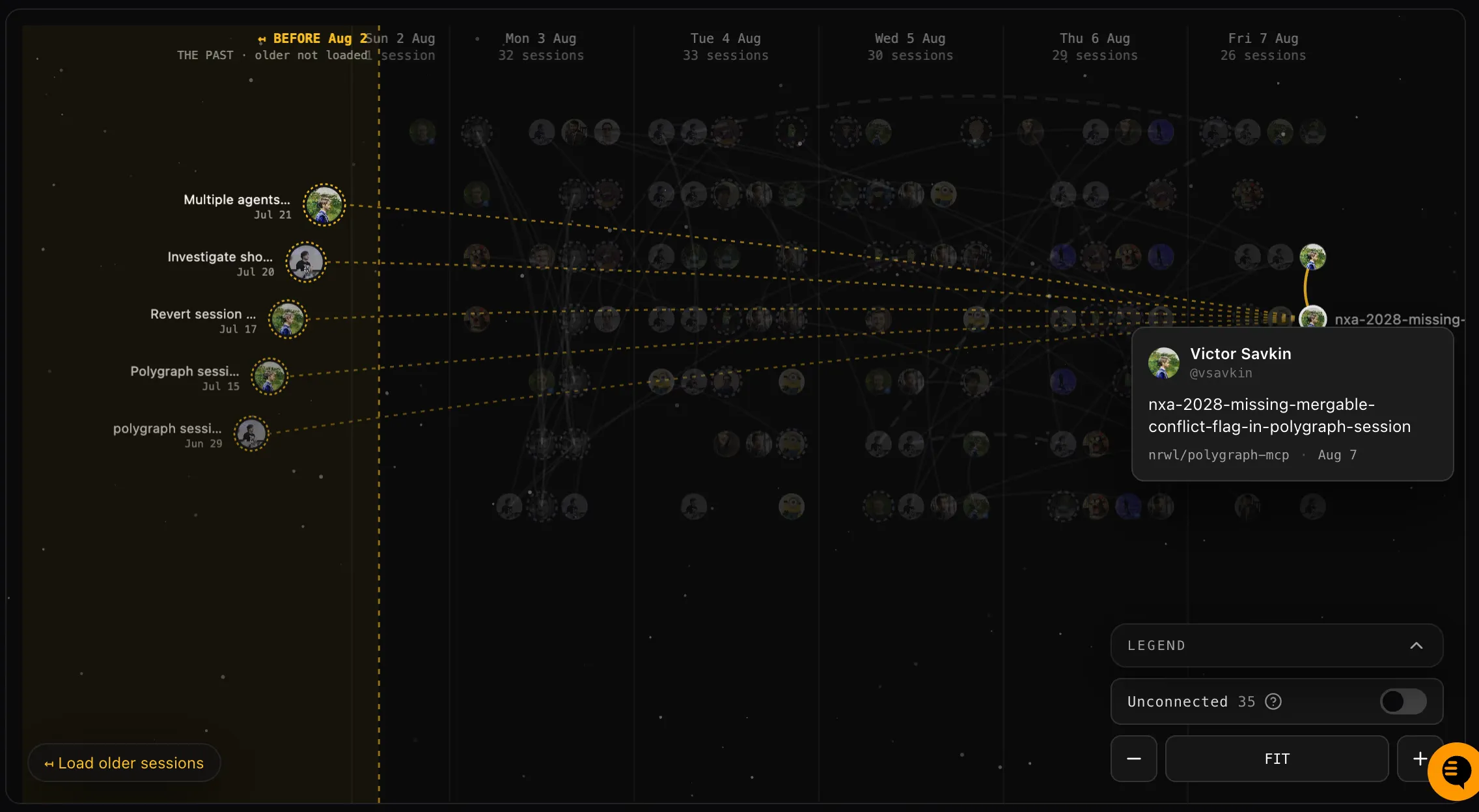
Session graph
Section titled “Session graph”You can view it visually by looking at the session graph on your org page.
Search sessions
Section titled “Search sessions”Ask your agent to find relevant sessions:
Can you search for sessions that dealt with Stripe webhook retries?The agent searches your organization's sessions and reports the matches, each with its PRs and a one-line summary. You can also search interactively from the terminal:
polygraph session searchSearch also works backwards from the code: trace a change to the session that produced it. Find the commit with git blame, then ask:
Can you search for the session that made this change? 4f9c21aSee Find and reuse prior work for the full workflow.
Reference another session
Section titled “Reference another session”You can skip the search when you know the session.
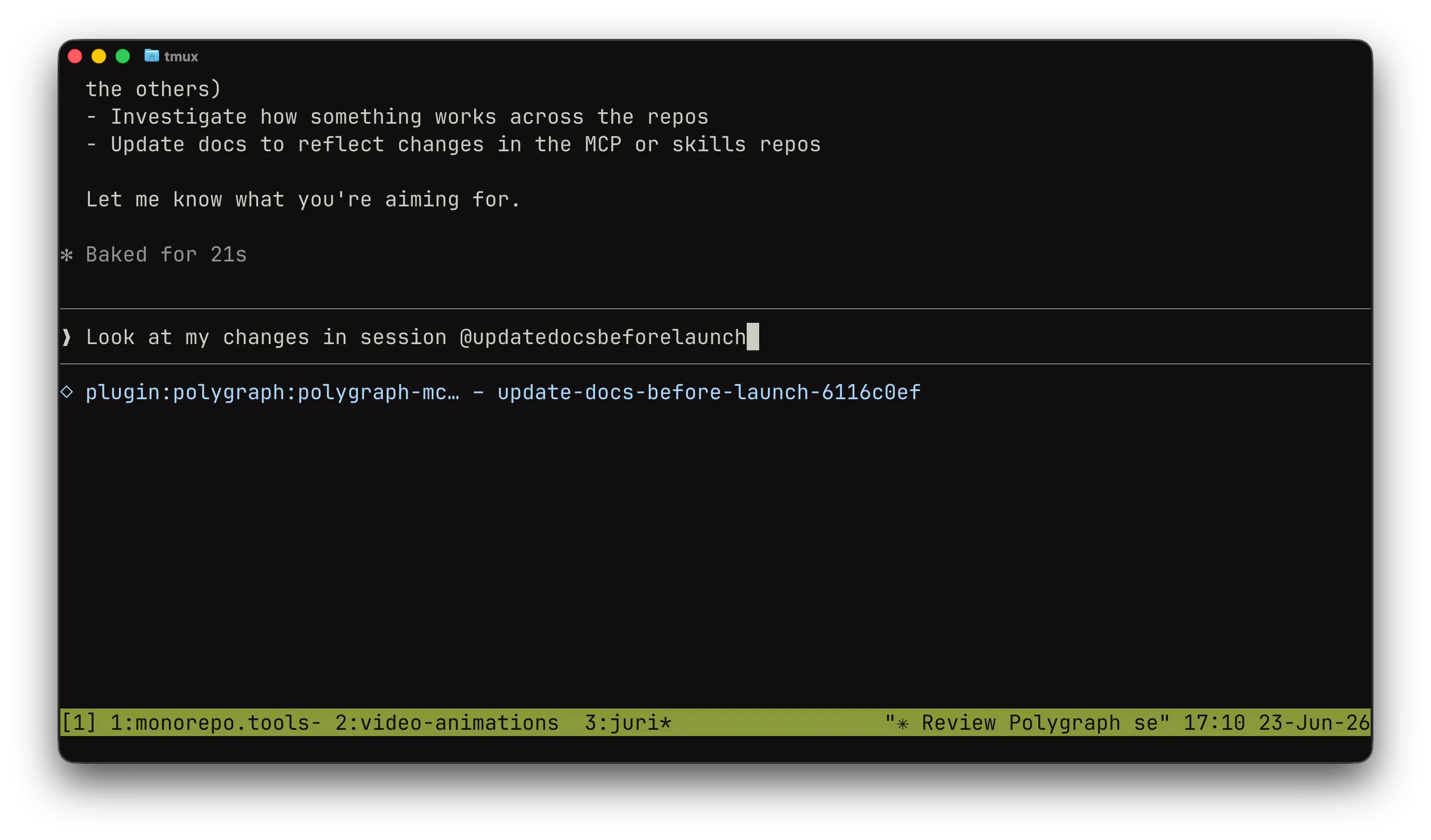
Use a reference when the original work is done, but its context still matters. For example, if an issue is discovered weeks after some work landed, start a new session and reference the original session. The new agent can inspect the prior plan, decisions, comments, pull requests, and repo state without re-deriving them from scratch.
To reference a session, attach it through MCP resources if your agent supports them (using the "@" symbol in Claude Code). You can also mention the session ID directly:
Include the context of session <session-id> and figure out why this issue occurs.Referencing extracts the relevant information for the new task:
- For a high-level question, the session summary may be enough.
- For a detailed investigation, Polygraph can inspect pull request descriptions, available agent logs, and code.
Polygraph records referenced sessions, which updates the session graph.
Debrief past sessions
Section titled “Debrief past sessions”Although the workflows above are useful, a lot of the time you simply don't know what to search for. You want Polygraph to find what is relevant and provide the needed information to your current agent.
The session-debrief skill analyzes the available raw logs of past sessions and produces a structured, rank-ordered debrief for the task at hand: what was attempted, what worked, what failed, and which assumptions to re-verify. You can trigger it with a prompt like this:
1. Search Polygraph sessions for relevant work and rank up to three useful past sessions.2. Run polygraph:session-debrief on those sessions and wait for the consolidated debrief.3. Use the debrief to plan the change, and re-verify its assumptions against the current code.The debrief runs read-only against the recorded sessions, so it never disturbs the original work.
Learn more
Section titled “Learn more”You can learn more about why episodic memory works so well for code in Agentic Memory: Why Code Is Fundamentally Different.