

Polygraph has access to every public repository on GitHub and knows how they relate to each other. Your private repos, plus the open source repos they depend on, form your Polygraph.
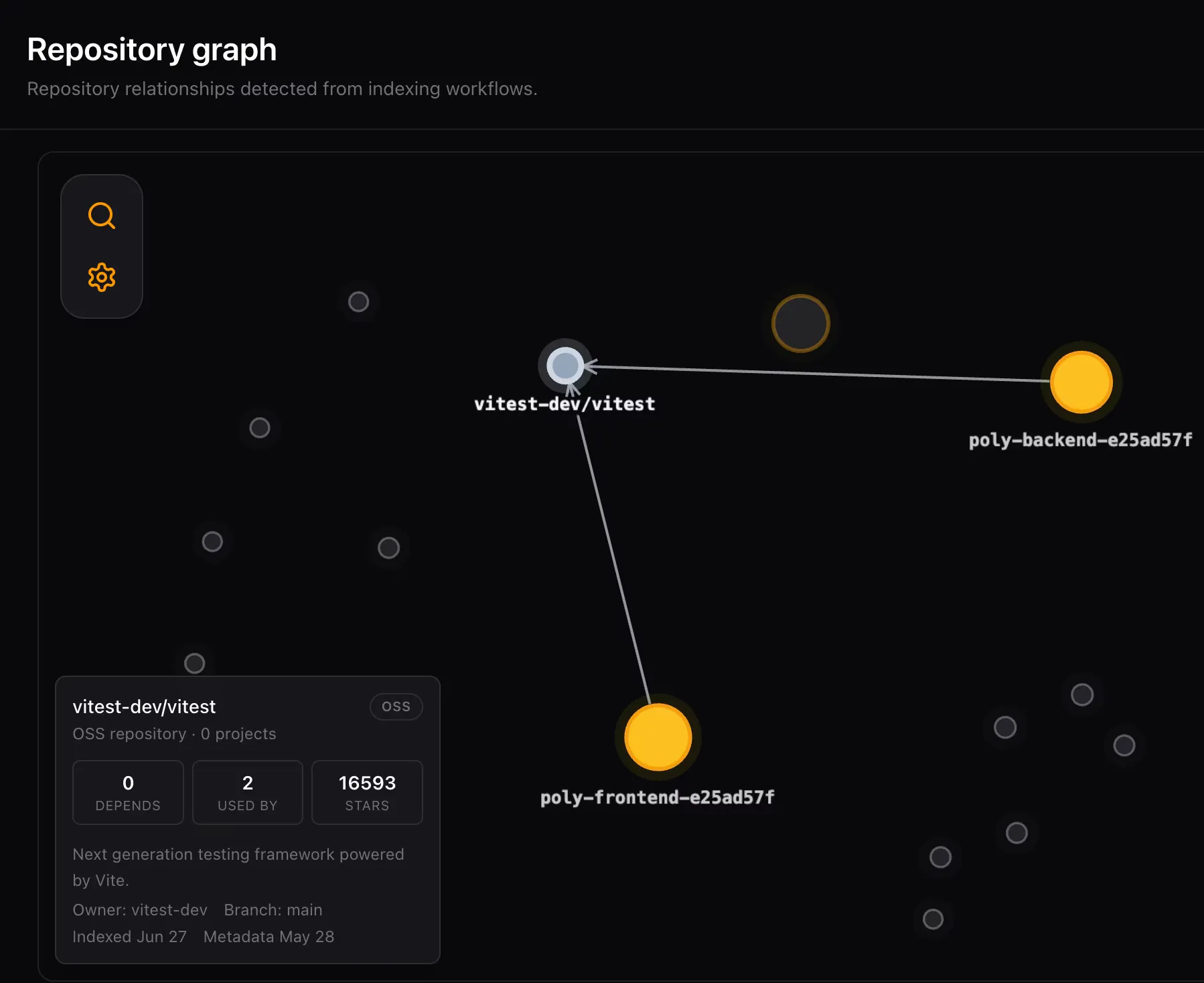
Any public repo can join a session alongside the repos you own. That makes OSS repros, upstream libraries, and downstream consumers part of the same working context. This is something even a monorepo cannot give you. Open source code can never live inside it.
When to use it
Section titled “When to use it”Use OSS repo integration when:
- A bug report includes a public reproduction repo
- You need to validate an unpublished fix against a public consumer
- Your code depends on a public project, and you need to provide more context to your agents
The last case is very common. You might be migrating your repositories from one version of a project to a newer one. Having the repo in place gives an agent a lot more context about what changed and can help make the migration autonomous. You might also hit an issue with a third-party library. Adding the repo can help your agent understand how it works (much better than the documentation can).
Add an OSS repo to a session
Section titled “Add an OSS repo to a session”Mention the repo by URL or by the package it publishes, and ask the agent to add it.
Please add @opentui/core to this session and check if I use the API correctly.For a full maintainer workflow, see For OSS developers.
Validate package changes
Section titled “Validate package changes”For publisher-consumer validation, the agent can use pack_and_copy to pack a changed package and install the tarball into a consumer repo inside the session, with no registry round-trip.
That gives you an end-to-end loop for OSS repros: reproduce the bug, change the publisher, install the unpublished package into the repro, rerun the failing command, and open the PR in the repo you own.